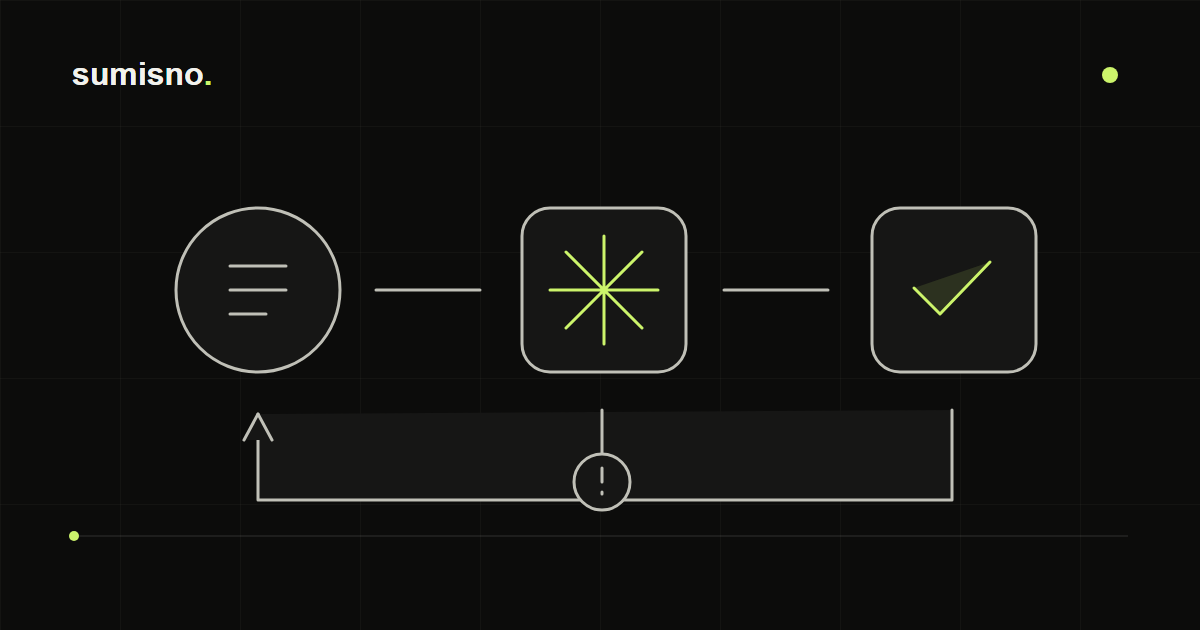
Break one process into steps
For an order summary, record the source, included statuses, recipient and failure response. Verify calculations on a small sample including a cancellation, return and duplicate before adding a schedule.
- Compare the automated summary with a manual calculation.
- A retry must not repeat an already completed action.
What business process automation is
Almost every business has tasks that repeat daily: moving an enquiry from a form to a spreadsheet, creating a CRM record, sending a customer confirmation, compiling a weekly report. Automation carries out these steps by set rules — with no copying, forgotten messages or typos.
It works like a chain. Everything starts with an event: a new enquiry, a payment, an email or a scheduled time. The system then receives the data, checks it, transforms it if needed and passes it to the right tool or person.
Signs a process is ready for automation
- Your team regularly copies the same data between tools
- Enquiries get lost between forms, messaging apps and email
- Someone builds a report by hand from several spreadsheets every week
- Customers wait for a reply because nobody saw the new enquiry in time
- Data entry mistakes surface when they're already hard to fix
What to automate first
The best candidates are tasks that happen often, follow clear rules and currently take up noticeable time.
- Sending website enquiries to the CRM and notifying the owner
- Confirmations and reminders to customers triggered by events
- Scheduled reports compiled from several sources
- Syncing contacts, orders and statuses between systems
- First-pass processing of incoming messages and documents
Example: the journey of one enquiry
A visitor submits a form on the website. The system checks the required fields and looks for the customer in the CRM by phone or email. If they already exist, a new enquiry is added to their record; if not, a new record is created. The person responsible instantly gets a message in the team chat, and the customer gets a confirmation email.
If the CRM isn't responding at that moment, the enquiry isn't lost: it's stored, sending is retried and the owner is alerted to the failure.
How to map a process before automating it
Automating chaos doesn't help — first the process needs breaking into steps. Answering a few questions is enough.
- What starts the process and where the data comes from
- Who does what at each step
- What the result should be
- What exceptions occur and how to handle them
- Who needs to know if something goes wrong
Ready-made integration or custom automation
Many tools can already exchange data: CRMs often have built-in modules for forms, email and messaging apps. If a module like that covers your needs, use it — it's faster. Custom automation is needed when you have to connect several systems, add your own rules and checks, or process data in ways ready-made modules can't.
Reliability matters more than launch speed
A working automation is more than connections between tools. You need to plan for outages in external systems, repeated events and duplicates, secure storage of access keys and a log showing what happened to every record. And always documentation, so someone else can understand the workflow.
How to measure the impact
Before launch, record how long the process takes today, how many errors it has and how quickly customers get a reply. A few weeks after launch, compare the same figures. That way the result is measured in your own numbers, not general promises.
When you don't need automation
If a task happens once a month and takes five minutes, automation may not pay off. If the process rules keep changing, agree on them within the team first. And if your CRM already has the integration you need, sometimes it's enough to switch it on.