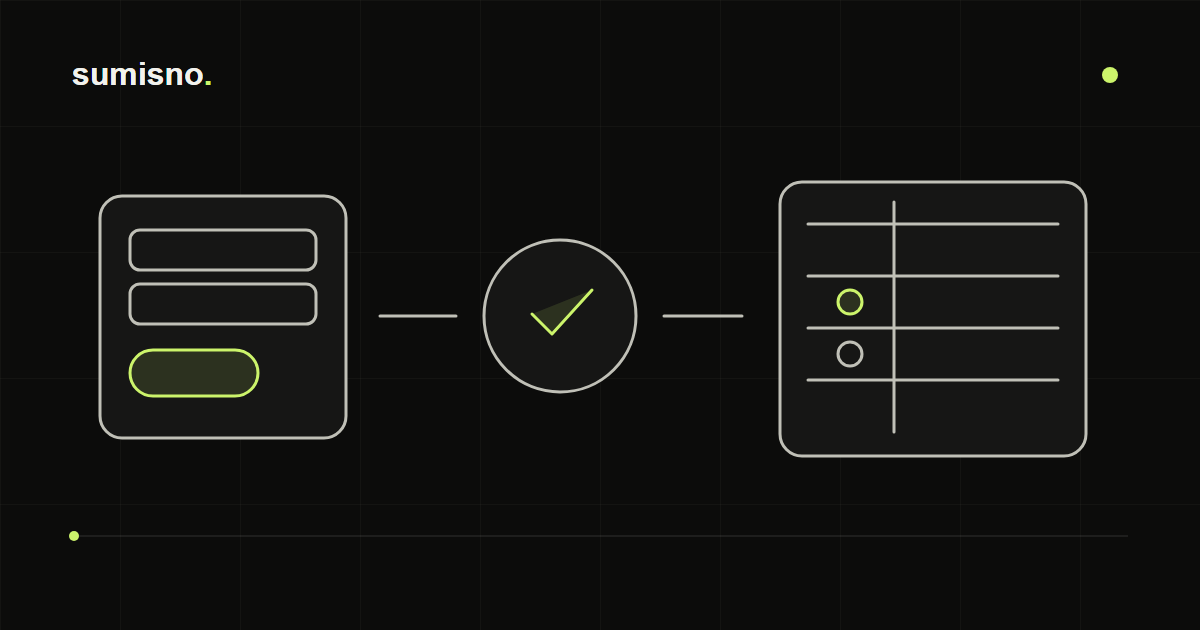
An example field map and duplicate check
Form phone and email map to the contact, the selected service to the enquiry, and campaign tags to attribution. Match an existing contact using the agreed rule before creating or linking an enquiry. A retry keeps the same request identifier so a technical repeat does not become a new order.
- Submit a test form twice in a test environment and check record counts.
- Simulate a CRM failure: the enquiry must survive until retry.
Why connect your website and CRM
Integration removes manual data entry: an enquiry immediately becomes a CRM record with an owner, a status and a history. Managers see how many leads came in and what is happening to them, and customers get a faster reply.
Integration options
The choice depends on the CRM, the number of lead sources and how complex the processing rules need to be.
- A ready-made CRM module or widget — quick, but limited in fields and logic
- Sending data directly from the website server via the CRM API
- A separate automation between the website and CRM when data needs checking, merging and routing
Which data to send
Draw up a field map: what the visitor fills in, which technical data you need — source, page, ad tags, consent to data processing — and which CRM fields it goes into. Extra form fields reduce the number of enquiries, so ask only for what you need.
Duplicates and repeat submissions
The same person may submit a form twice or write again a week later. Decide in advance how to match an existing contact — by phone, email or both — and what to do on a match: create a new deal or add the enquiry to the existing one.
Notifications and response time
A CRM record only helps if someone sees it in time. Decide who is notified about a new lead and in which channel — a messaging app, email or the CRM itself — and what happens if that person is unavailable. For important leads you can add a reminder if the status doesn't change for a while.
Lead sources and analytics
If you save the page, the referral source and ad tags with each enquiry, the CRM shows which channels actually bring leads. That way you can judge ads and content by real enquiries, not just by traffic.
When the CRM is unavailable
Any external service sometimes fails to respond. A reliable integration keeps the enquiry on the website side, retries sending and alerts the owner if delivery fails. This keeps the risk of losing an enquiry to a minimum.
What to test before launch
- The lead is created with the right fields and source
- A repeat submission doesn't create an extra duplicate
- The owner receives a notification
- If the CRM fails, the lead is saved and a person is alerted
- Consent to data processing is recorded